Set up your cleaning company and invite staff
Create the company, add a hotel, and invite the team to ARPCLEAN.
3:37
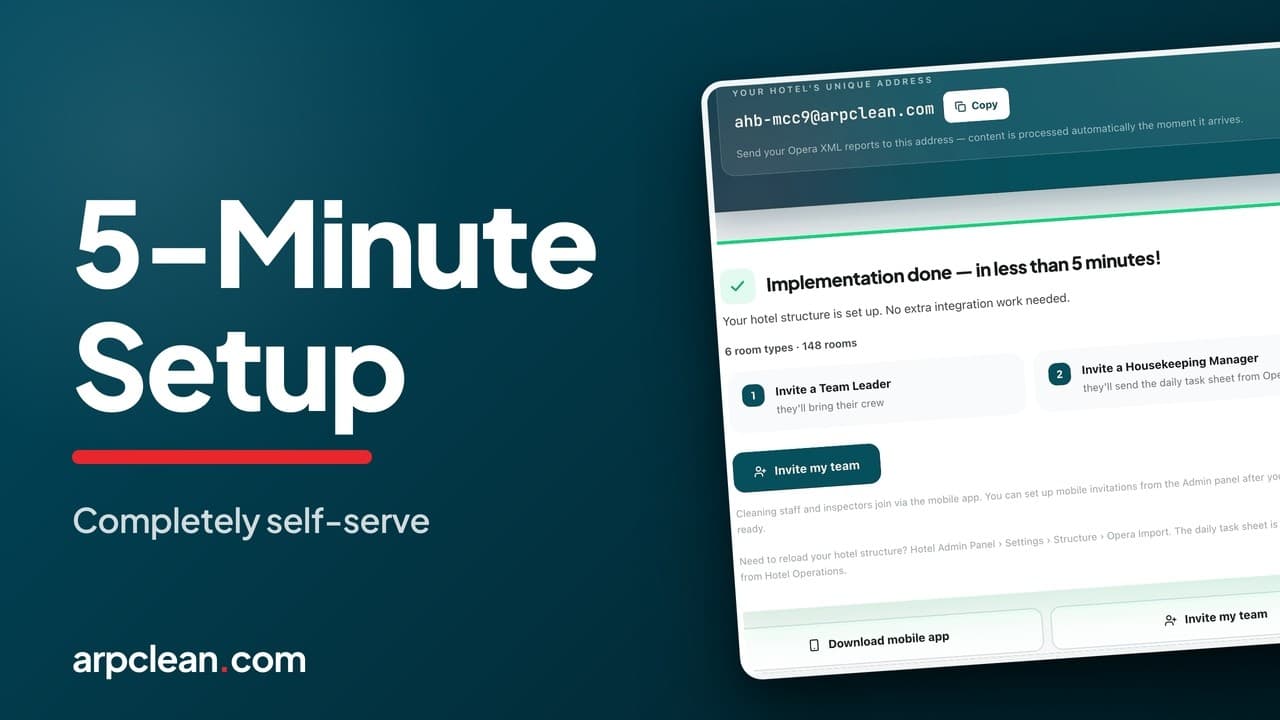
What you will see
- Creating the company and adding the first hotel, in under five minutes
- Importing room types, rooms, and the daily task sheet
- Assigning the Oracle Opera Cloud export to a colleague, without giving them a login
- Inviting the Housekeeping Manager and Team Leader
How to invite cleaning staff to the ARPCLEAN app
Nobody from ARPCLEAN has to be on a call for a cleaning company to go live. You create the company yourself on the web, add the first hotel, and invite the people who will work in it. The mobile apps come afterwards, for the daily work. Everything in this guide happens in a browser, and none of it asks for a credit card or an implementation project.
Signing in and choosing a starting point
Setup begins at arpclean.com, behind the Get Started button in the top right. There is no password to invent: you sign in with a Google, Apple or Microsoft account, or ask for a magic link by email.
The first screen after that asks which of two situations you are in. If a manager already added you, or you were handed an invitation code, the Join your team option takes that code and finishes there. If you are the one setting the business up, choose Create your company. The rest of this guide follows that second path.
Four questions to create the company
The wizard keeps the company step short.
- The company name. For a cleaning company that is simply its trading name. A hotel that runs housekeeping with its own staff enters the hotel name here instead, and the steps that follow are identical.
- The number of hotels on your books. ARPCLEAN uses it only to suggest a fitting plan, and it commits you to nothing.
- The first hotel. Only the name is required, the address is optional, and further hotels can be added at any point later.
- The hotel's PMS. Oracle Opera Cloud activates on the spot. Protel, Clock and others are listed as coming soon; pick one of those and ARPCLEAN gets in touch within 24 hours and builds the connection at no charge inside a week.
If a partner gave you a partner code, there is a field for it on the first step. It extends the free trial.
The hotel mailbox and the three Opera reports
Once the wizard finishes, the hotel is live and has its own unique mailbox address. That address is the channel between the PMS and ARPCLEAN: reports sent to it are processed the moment they land.
Three reports are involved, and the Oracle Opera Cloud export
guide walks through each one.
cf_roomtypes.XML and cf_rooms.XML describe the building and are sent
once, then again only if the hotel changes. task_sheet_report.XML carries
the day's tasks, so it is the one that arrives every morning. The activation
page ticks each report off as it comes in, and when all three are there the
hotel is running.
Every step carries its own short walkthrough on the page, for anyone who has not exported from Opera before. If a colleague at the hotel looks after Opera, you can delegate the job: enter their email and they receive the instructions together with the hotel's mailbox address. They do not need an ARPCLEAN login to do their part.
The 30-day trial starts when that first task sheet is imported, not when you sign up. Creating the company, inviting people and waiting for a PMS connection cost you no trial days.
Two groups of people, one Users menu
The activation page already lets you invite a Housekeeping Manager and a Team Leader, each with a role, and both receive an email with what they need to start. You can stop there for now and add everyone else later from the admin panels. When you do, the Users menu in the Hotel Admin Panel shows two separate lists.
Hotel Staff holds the people employed by the hotel: its manager, the housekeeping manager, supervisors and front office. The hotel can maintain that list itself through its Operations Panel, though a first person has to exist before it can. Inviting a single housekeeping manager is enough, and that person can bring in the remaining hotel roles. If you already know the whole team, invite them all at once.
Employees are the cleaning company's staff: attendants, inspectors and team leaders. Only the cleaning company manages this list. A hotel needs at least one team leader, because the team leader is the person who hands out the day's tasks, while hotel roles follow what happens. One hotel can have several team leaders, for example one covering three days of the week and another the other four. Once one team leader has joined, further invitations can go out from that person's phone, or you keep sending them from the admin panel.
Sending an invitation by email or by code
Both lists use the same invitation dialog and offer two routes. By email, the person gets a link. By code, you get a short code, a QR image and a one-time link that you hand to whoever is standing next to you. The recipient logs in, on the web or in the mobile app, types the code in, and onboarding is finished. The code works once and expires on its own.
Hotel staff can hold more than one role in a single invitation. An employee gets exactly one, Team Leader for instance. Either way you choose the language the invitation, and later the app, will use; it defaults to the hotel's language.
An Invitations tab lists everything you have sent as pending, accepted, expired or revoked. If a code is lost, generate a new one from that row. If an invitation reached the wrong inbox, revoke it; the previous code is dead from that moment.
Hourly rates and roles after the invitations
Hourly pay in ARPCLEAN is layered three deep: a company-wide default, an optional figure per hotel, and finally a custom rate per person. A team leader on a higher wage, or a newcomer whose rate differs, is set under Custom Rates, one person at a time, from a chosen date. Everyone without an entry stays on the default, and a filter narrows the list to those with an individual rate for the month-end check. What those rates turn into on the invoice and the payslip is covered in the billing and payroll guide.
The Roles page is the overview: what each role does, whether its users work in the browser or in the mobile app, and which people currently hold it. The only change possible there is taking a role away from someone. Giving a role always goes through an invitation.
None of this is an extra service. Company setup, hotel activation and staff invitations are part of the ARPCLEAN subscription, for as many people as the hotel needs. See current prices.
Going deeper
Watch next
Related guides
Housekeeping software for cleaning companiesRun your housekeeping the way this guide shows
30-day trial with every feature open. No credit card required, and without a payment method nothing is charged when it ends.
Start free trial