How ARPCLEAN works, step by step
One guide per job, each with a short video and the written procedure underneath it.
These guides show ARPCLEAN the way a cleaning company actually uses it: screen by screen, in the order the work happens when you take on a new hotel. Each one pairs a short video with the written procedure underneath. Report names, buttons, and settings match what appears in your own account, so you can follow along with ARPCLEAN open in a second tab.
The library follows the job rather than a feature list, and it grows one guide at a time. Setup starts where every outsourced cleaning company starts: exporting room types, rooms, and the daily task sheet out of Oracle Opera Cloud, then setting up the company and inviting staff into the app. Billing covers the end of the month, with per-room rates for the hotel and tracked hours for the cleaners coming out of the same records. Day-to-day operations open with the team leader's morning, assigning the day's rooms from a phone, continue on the live room board the housekeeping manager works from, at the desk or on the floor, and follow the work down to the cleaner's own phone, where the day arrives as a room list. Around the rooms sit the staffing guides: hiring by QR code, the weekly schedule, and hourly shifts approved the same day. The stage closes with room inspection and the quality record it leaves behind.
Every guide is written to be worked through with your own hotel data next to it. Where a step assumes something is already in place, a setting switched on or a role invited, the guide says so before you get there. The quickest way to see the same screens with your own rooms and reports is the 30-day trial: every feature open, no credit card, and no charge when it ends.
Setting up housekeeping software with Oracle Opera Cloud
 6:23 video
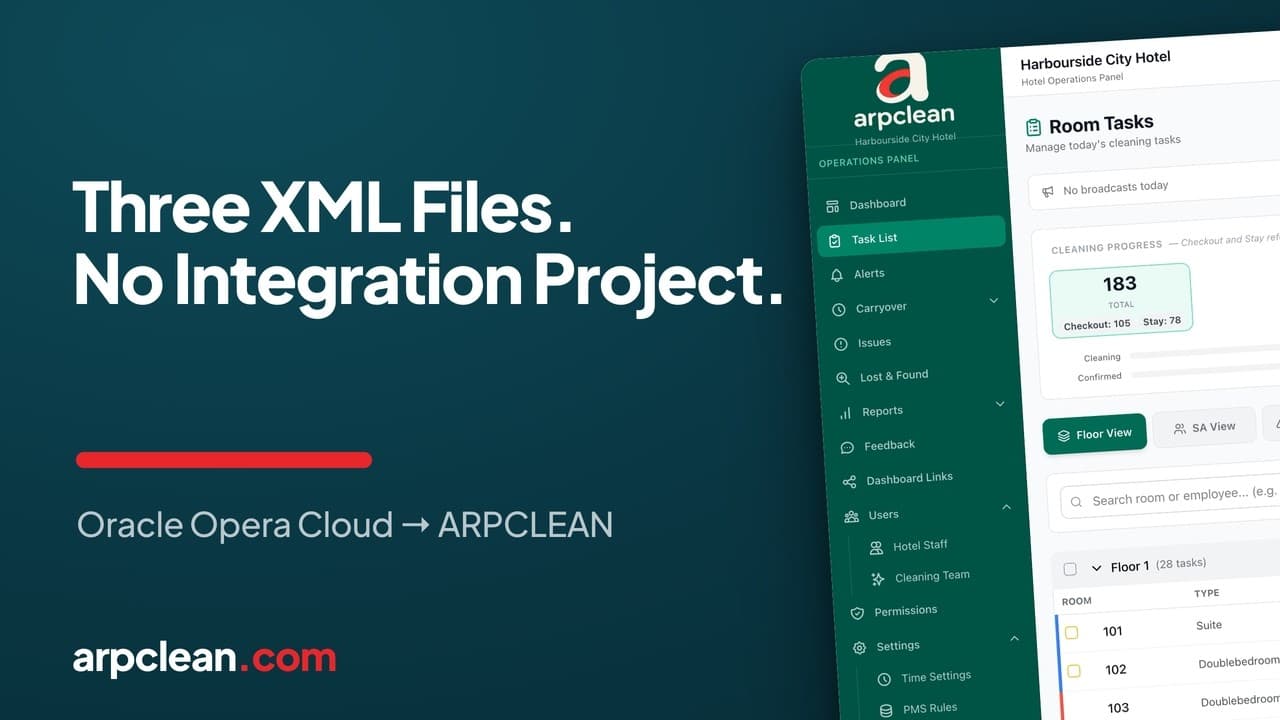
Export housekeeping data from Oracle Opera Cloud
The three XML reports, what each one carries, and what Opera does not export.
8 min read
Also covers: the 60-second Opera Cloud export
Open the guide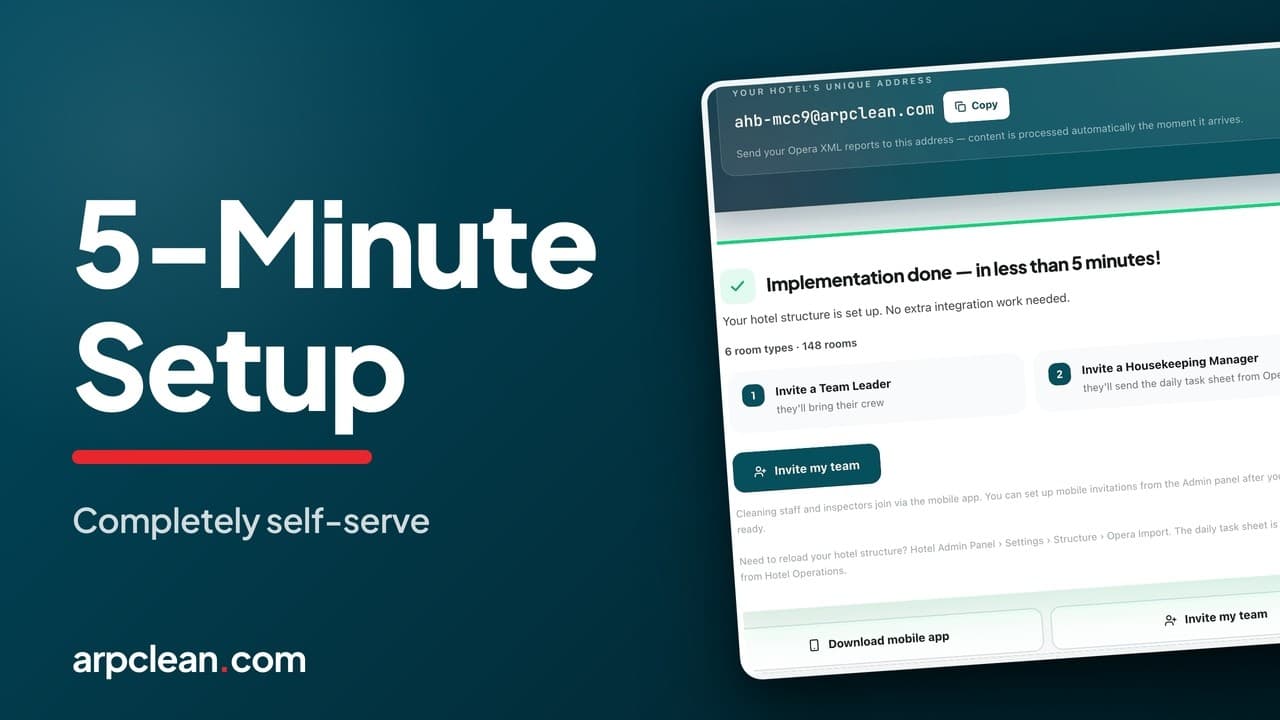 3:37 video
Set up your cleaning company and invite staff
Create the company, add a hotel, and invite the team to ARPCLEAN.
6 min read
Also covers: staff invitations
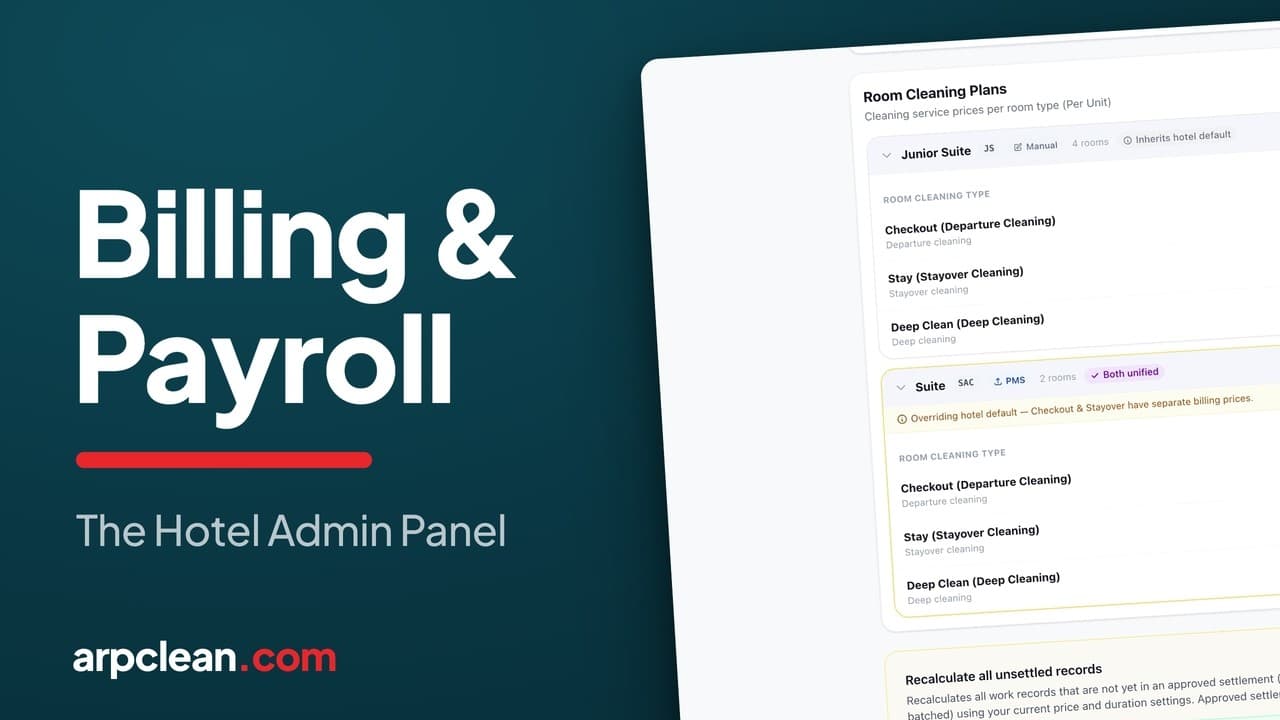
Open the guideBilling hotel cleaning and paying the staff
Running housekeeping day to day
 5:43 video
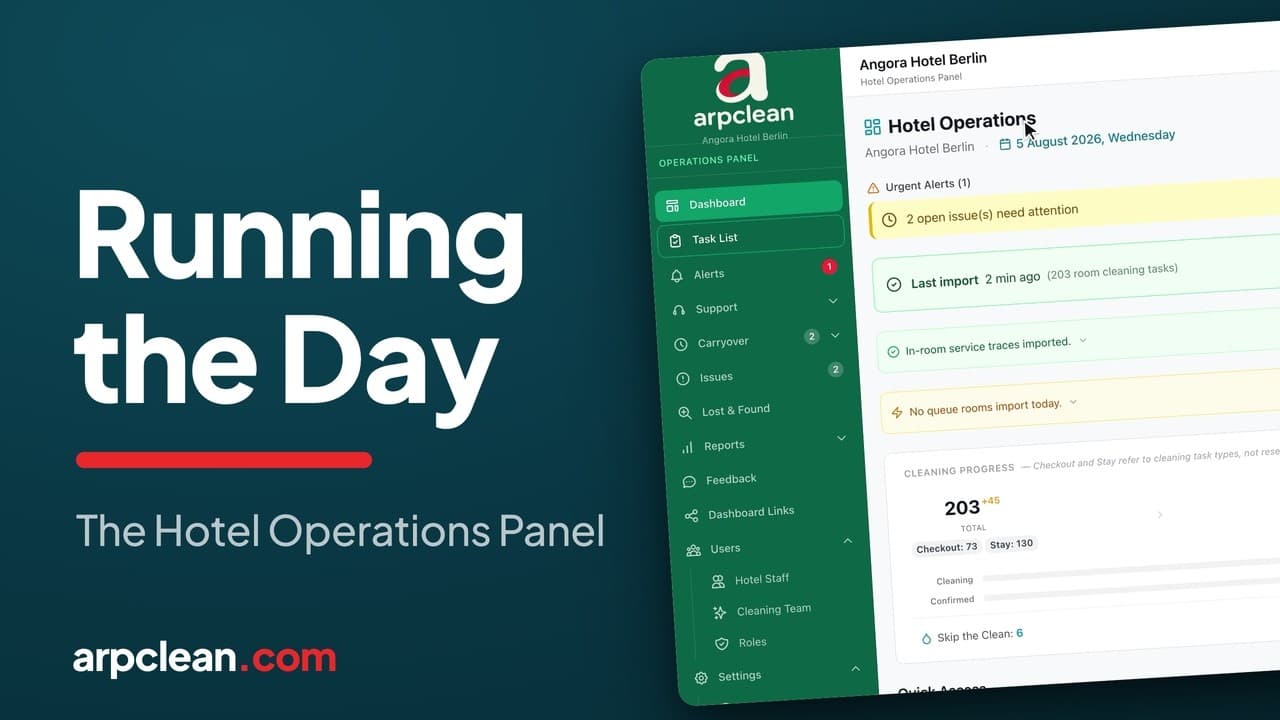
Run the housekeeping day
Use the live room board and share current status with reception.
6 min read
Also covers: settings and room types
Open the guide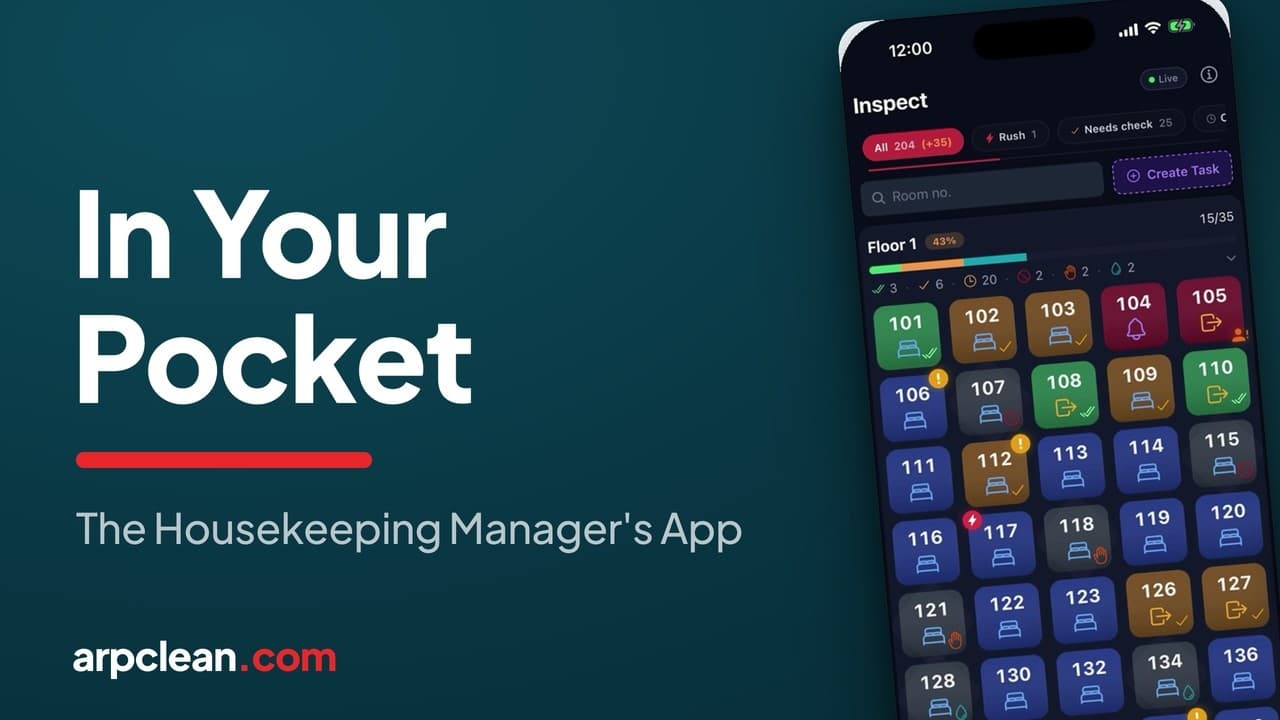 4:33 video
Manage housekeeping from your phone
See rooms, approve work, and enter tasks from the hotel floor.
5 min read
Open the guide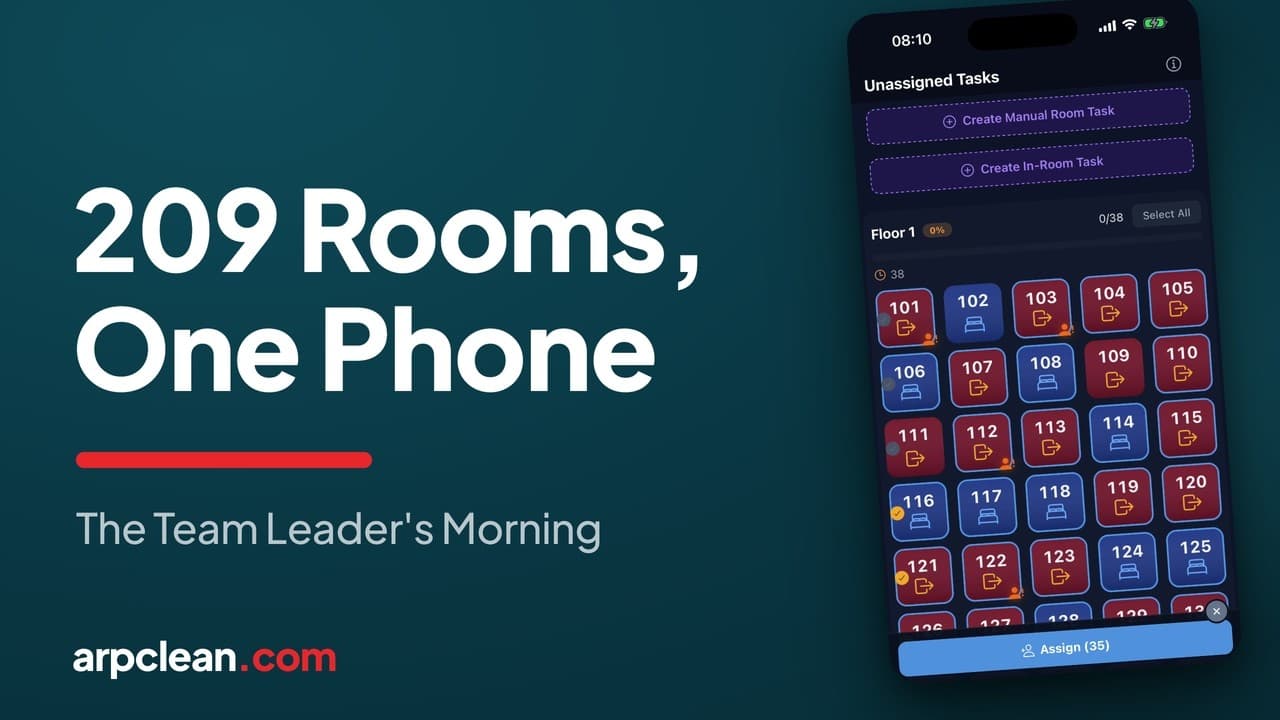 4:37 video
Assign rooms to cleaners
Mark attendance, divide the floors, and check each person's load.
6 min read
Open the guide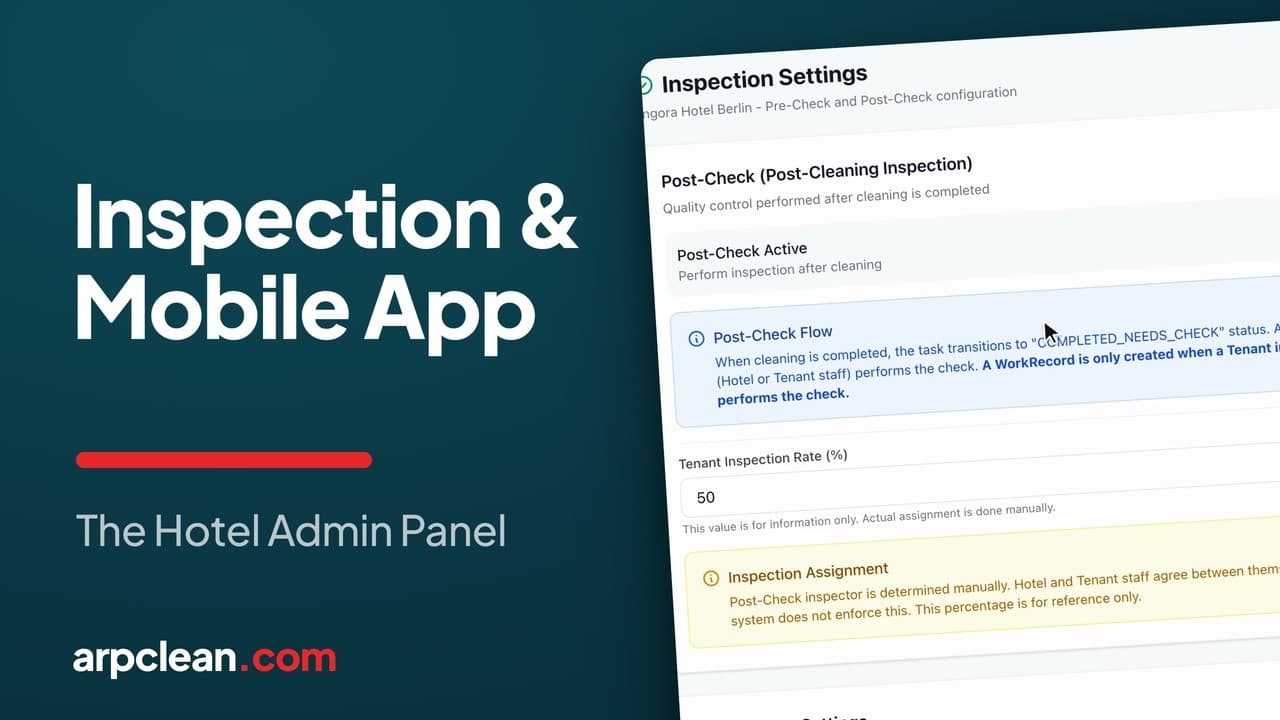 6:39 video
Inspect rooms and record quality
Post-check and pre-check settings, who does the inspecting, and what gets billed.
5 min read
Also covers: the team leader's midday round
Open the guide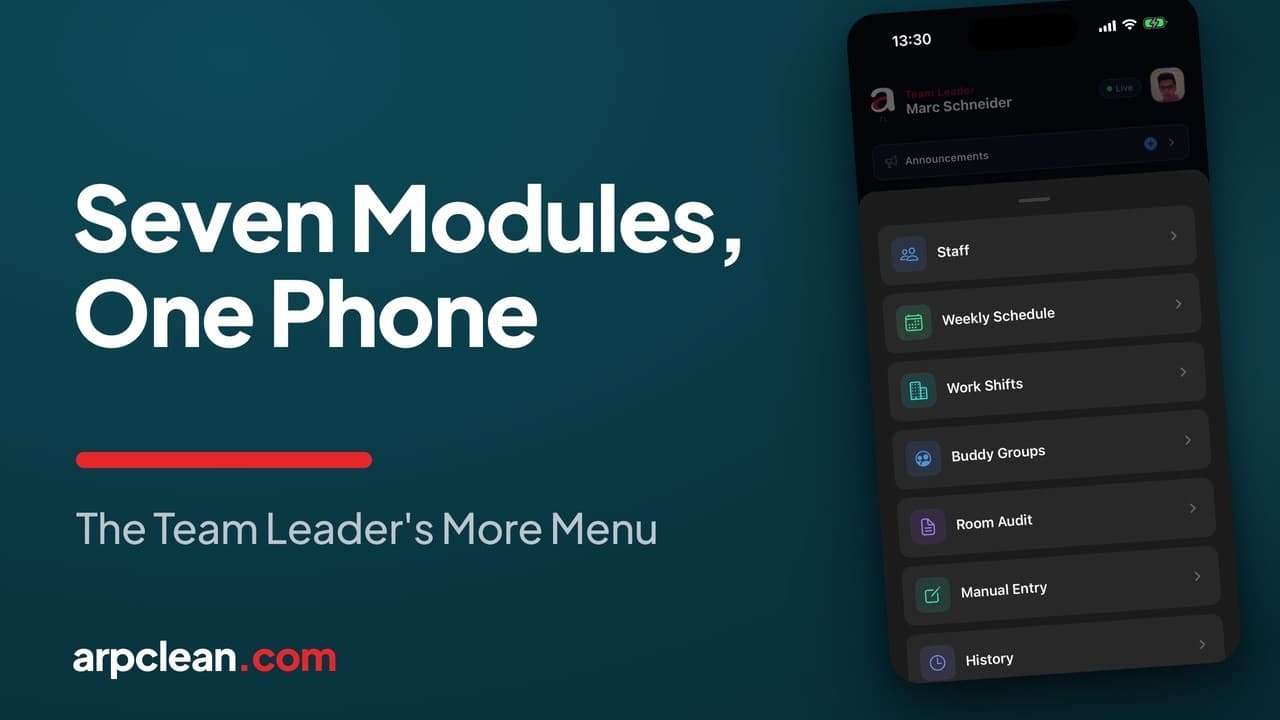 6:47 video
Run staff, shifts, and schedules from a phone
Hiring by QR code, the weekly plan, hourly shifts with same-day approval, and the audit trail behind every room.
6 min read
Also covers: the weekly roster
Open the guide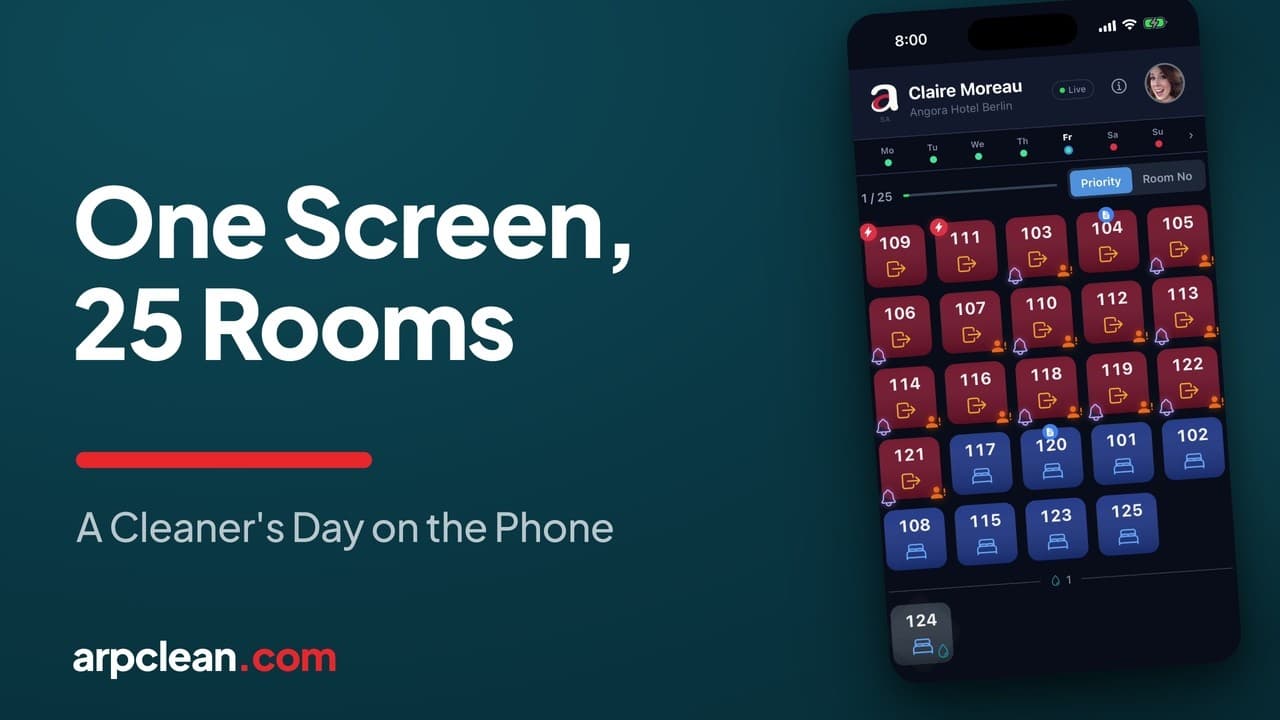 6:09 video
The cleaner's day on their own phone
How a cleaner works through 25 assigned rooms: rushes first, two taps per room, and a list that updates on its own.
5 min read
Also covers: room assignment
Open the guideStart your 30-day trial
No credit card. Every feature open. The clock starts when your first task sheet imports, not when you sign up.
Try ARPCLEAN