Hotel cleaning software, from room assignment to payroll.
You bill per room and pay per hour. ARPCLEAN connects housekeeping, hotel invoicing and staff payroll so you can follow revenue and direct labour costs per room, per hotel and per month.
From the hotel's PMS email to month-end billing
Rooms arrive from the hotel's Opera Cloud export, get assigned and done on the phone, and land in the invoice and the payroll batch. The whole path, on a running hotel. (6:23)
The month stops being a reconstruction.
Two numbers from one record
A finished task carries both sides: the price you agreed with the hotel and the minutes you owe the cleaner. Billing and payroll are the same event read twice, so they cannot disagree.
Nobody retypes anything
Rooms arrive from the hotel's PMS, get done on a phone, and land in a settlement batch. There is no evening where somebody copies a paper list into Excel.
Your people, their language
Thirteen languages ship with the app. A cleaner who reads Polish or Romanian gets the task in Polish or Romanian, without a translated checklist taped to a trolley.
When the hotel hesitates over data protection
This question comes up almost every time. In short, the hotel decides inside its own Opera which fields leave the building at all, and it can leave the guest name out. The long answer sits on its own page, which you can forward to the hotel.
What data we receiveChoosing software for a hotel cleaning company
Compare revenue and labour on the same basis
Start with a hotel and a billing period. Compare cleaning revenue with the direct labour cost for that same work. Dividing each total by completed room cleans gives you revenue and labour cost per clean. Keep checkout and stayover work separate when their prices or workloads differ. Employer contributions, supplies and overhead still need to be accounted for before calling the result profit. For a first estimate of attendants per day and cost per occupied room from your own figures, use the free housekeeping cost calculator.
Trace the invoice back to the work
During a trial, follow a completed room task through to the hotel invoice and the worker settlement. Check room rates, hourly rates, breaks and corrections against your own agreements. ARPCLEAN uses the completed task records for both hotel billing and payroll preparation. Explore the billing and payroll guides.
Test one hotel before adding the rest
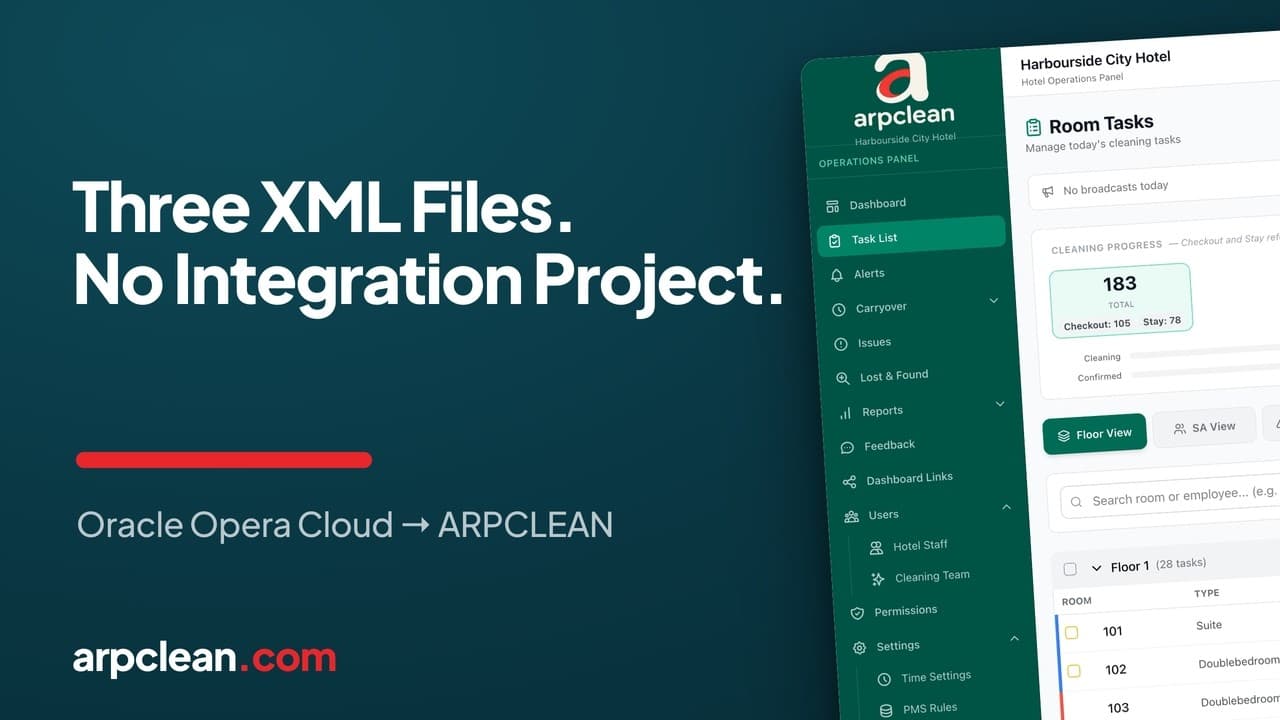
Use a real shift to check room imports, assignments and the languages your team needs. With Opera Cloud, ARPCLEAN reads XML reports sent by email or uploaded manually. See how Opera XML imports work, then compare subscription prices for your rollout.
Related guides
 3:37 video
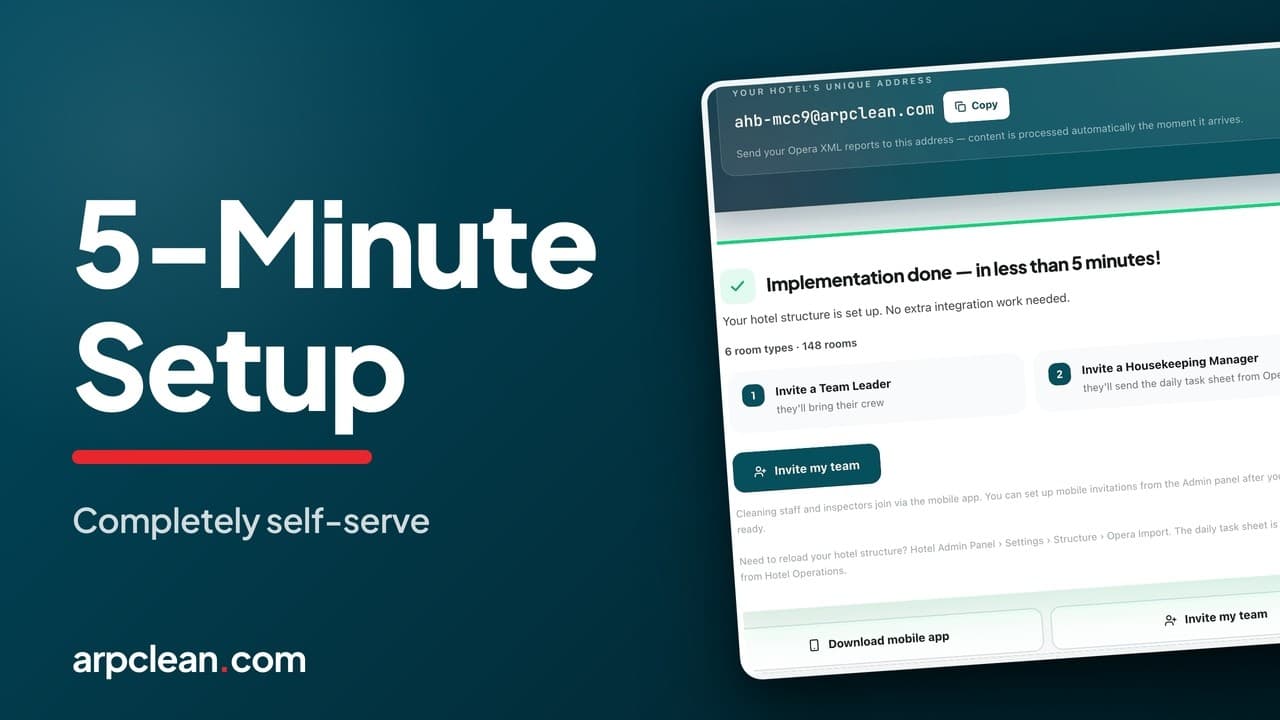
Set up your cleaning company and invite staff
Create the company, add a hotel, and invite the team to ARPCLEAN.
Also covers: staff invitations
Open the guide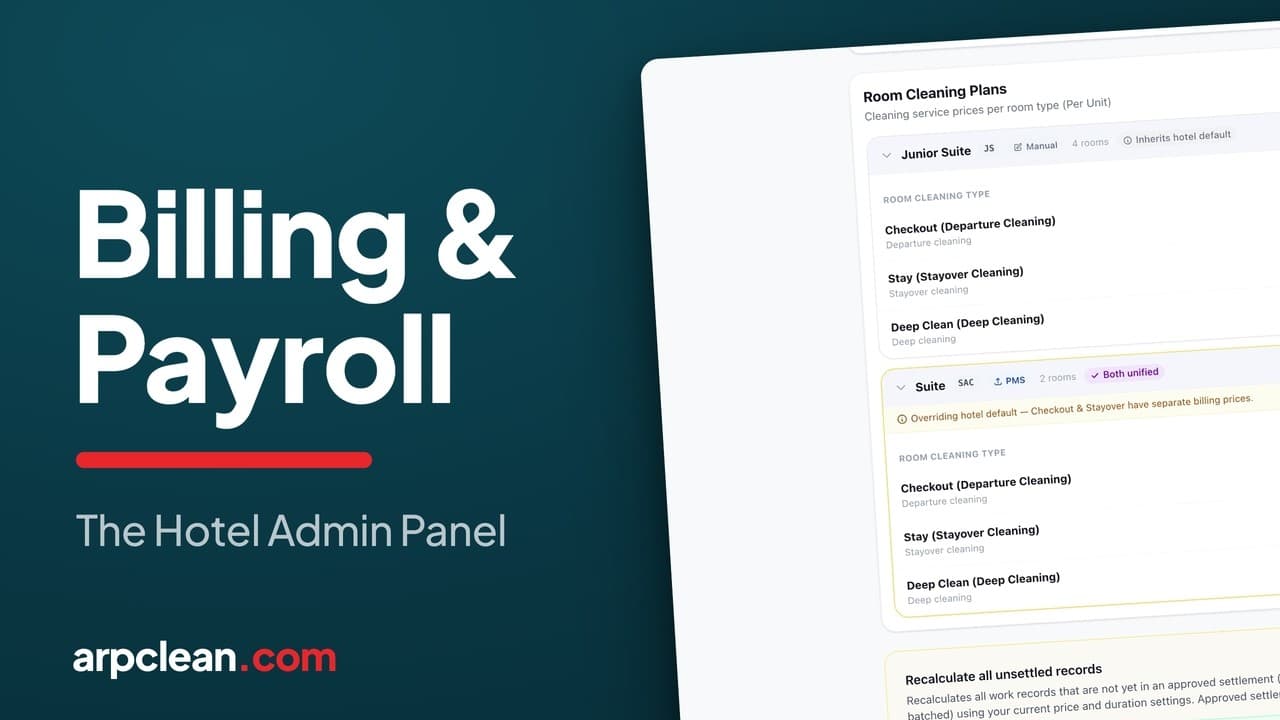 4:15 video
Bill the hotel and pay the cleaners
Per-room rates, tracked hours, and the invoice that comes out of both.
Also covers: the weekly roster
Open the guide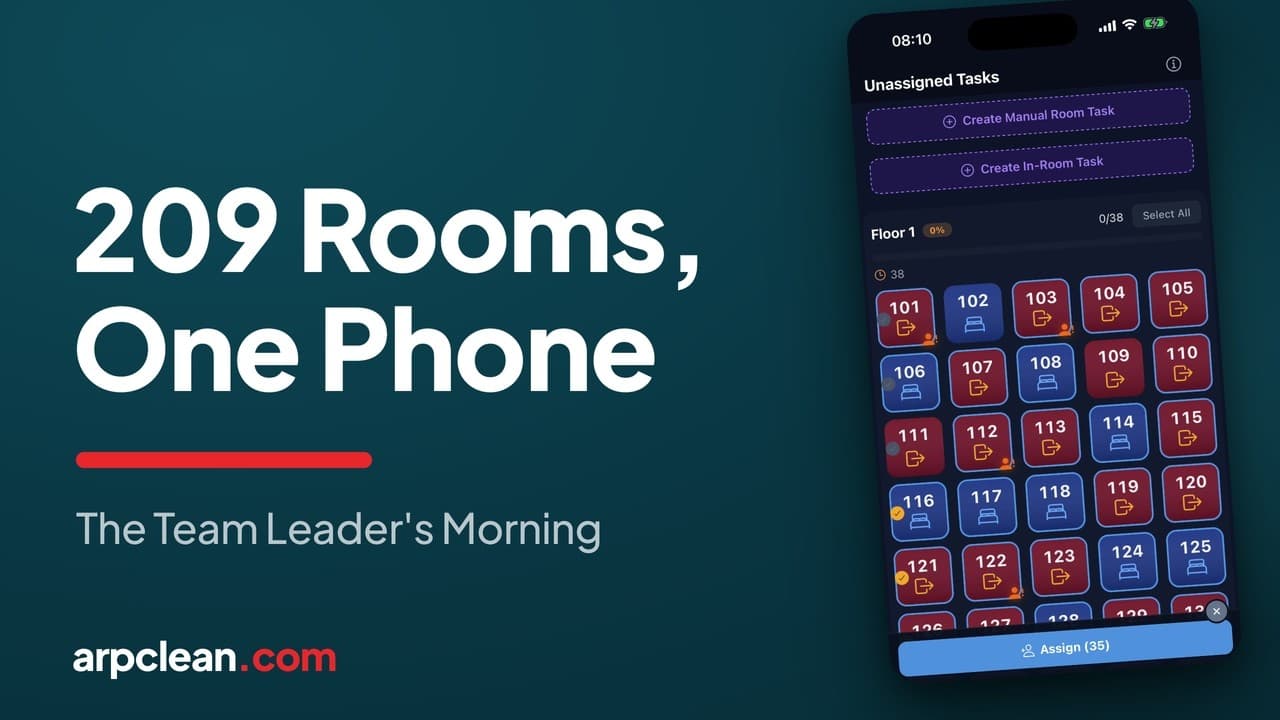 4:37 video
Assign rooms to cleaners
Mark attendance, divide the floors, and check each person's load.
Open the guide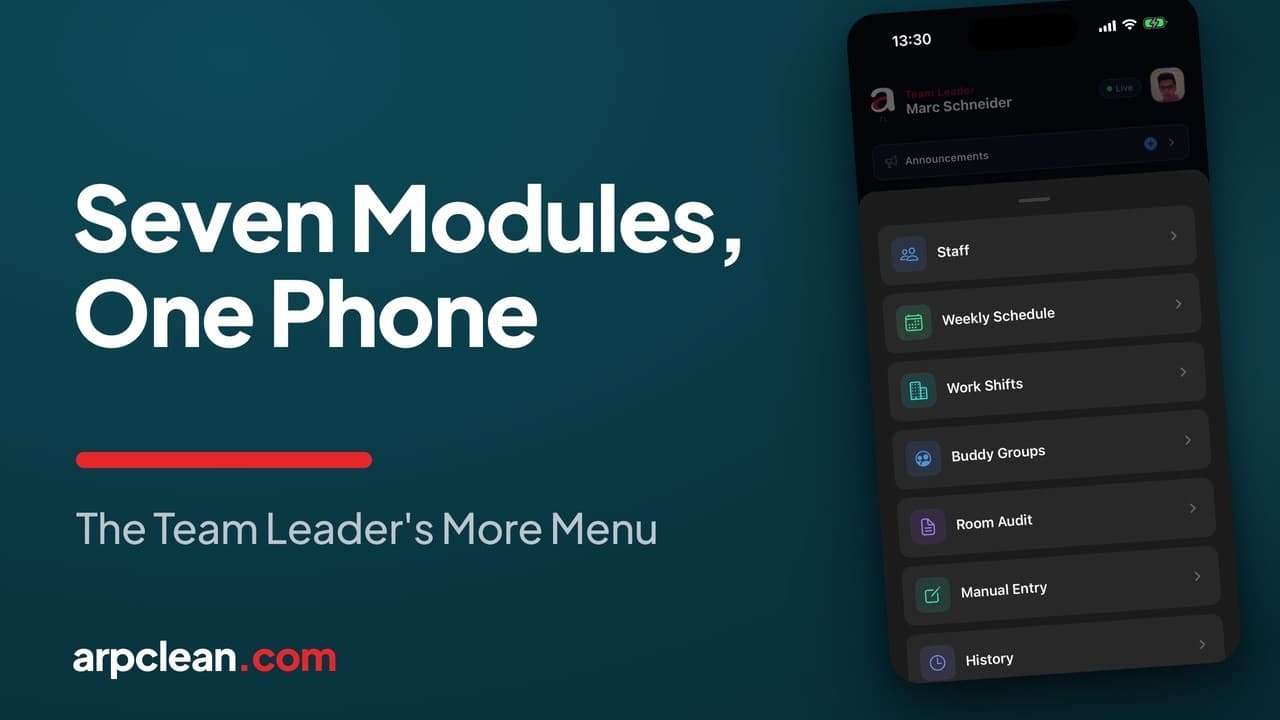 6:47 video
Run staff, shifts, and schedules from a phone
Hiring by QR code, the weekly plan, hourly shifts with same-day approval, and the audit trail behind every room.
Also covers: the weekly roster
Open the guideFollow one room from assignment to margin.
Seven steps, sample data, no signup. You will see exactly where the two money lines come from.