Inspect rooms and record quality
Post-check and pre-check settings, who does the inspecting, and what gets billed.
6:39
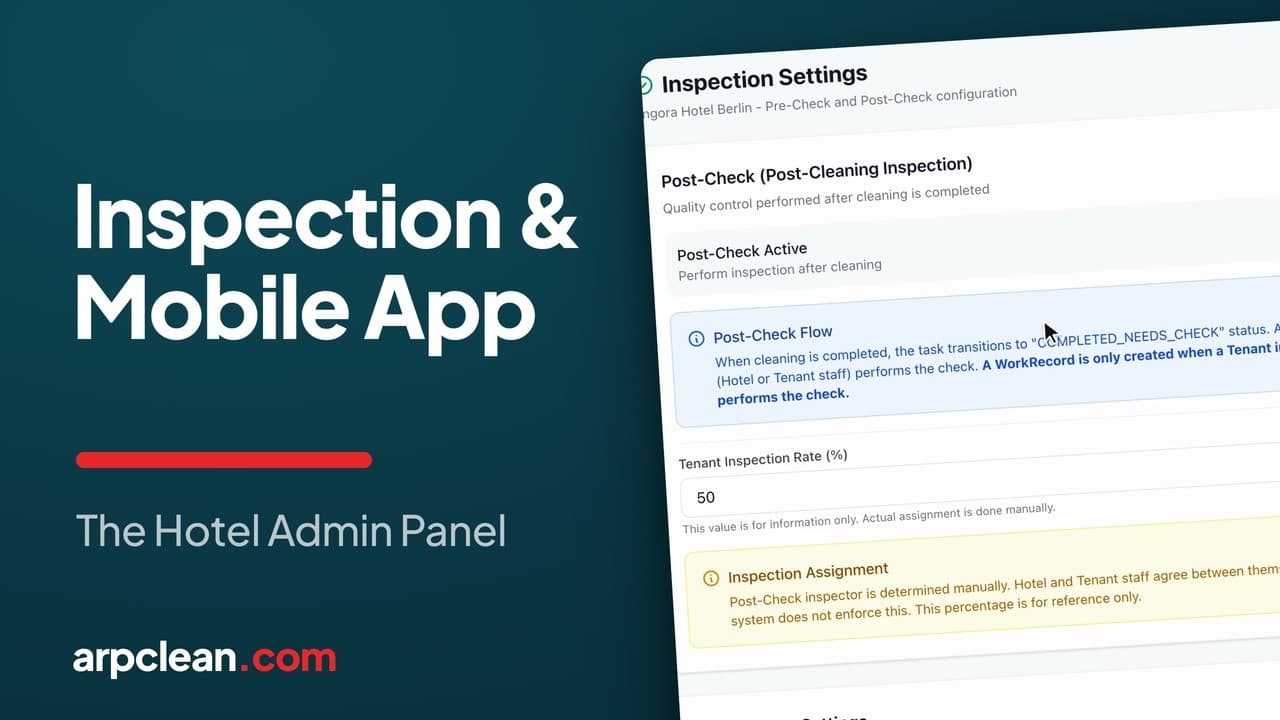
What you will see
- Post-check and pre-check settings, and which one creates a billable work record
- Splitting inspections between the hotel's own inspector and the cleaning company's
- The three-tap and five-tap gestures that guard against undoing a check by accident
- The four mobile screens, from attendant to hotel manager, and what each one can touch
How the housekeeping inspection process works in a hotel
The Inspection page under Settings is where a hotel decides how a finished room gets checked before anyone calls it done. Most hotels run with Post-check switched on.
With Post-check on, a room that an attendant marks finished does not close out by itself. It waits until an inspector looks at it and either signs off or sends it back for another pass. That inspector can work for the hotel or for the cleaning company, and the two sides settle the split between themselves. Plenty of hotels land near an even divide. The percentage shown on the page is only a reference figure, though. It assigns nobody, and rooms are still handed out by hand.
What the inspector actually looks at in the room is up to the hotel. If you want a paper version to agree on first, our printable room inspection checklist goes through a room area by area, with departure and stayover items marked and a line for the sign-off.
Who gets paid for the check
One line on this page matters more than any toggle. The room's cleaning work record comes into being no matter which side does the looking, so the cleaner's pay does not change when the hotel's own inspector handles it.
It is when the cleaning company sends its own inspector that a second record appears: an inspection fee, sitting next to the cleaning record rather than replacing it. Same check, same room, one extra line on the invoice.
Pre-check, and why it sits on the hotel's side
Pre-check is the same logic in reverse. Someone looks the room over before the attendant starts rather than after. Few hotels use it, though some do.
Because that call belongs entirely to the hotel, ARPCLEAN keeps the toggle on the hotel's own side of the fence, inside the Hotel Operations Panel under Settings and then Cleaning, even though anyone signed into the cleaning company's admin panel can open the same screen. Pre-check and Already-clean sit there together, with the team leader permission switches below them.
One thing decides whether a pre-check costs anything at all. Leave it with hotel staff and no work record is written. Give the cleaning company permission to do it and the identical check becomes billable work.
Direct approval, for the days a phone gives out
A related switch sits nearby. The ordinary sequence has an attendant mark a room clean first, and the record grows from there. Turn on Direct approval and a team leader can sign off a room the app never saw start.
That is the fix for a shift where somebody's phone went missing or the battery died halfway through, and it saves inventing a start time that never happened.
Two gestures that make an undo deliberate
The team leader's phone treats an inspection undo differently from an ordinary tap. Reversing a passed check or a do-not-disturb flag takes three taps on the room. Wiping it back to a blank slate takes five. The extra effort is the point, because nobody should lose a check by brushing past it while scrolling.
Two more switches live in the same area. Hotel Cleaned logs rooms the hotel handled on its own, with billing left out entirely. Manual entry gives the team leader a way to key a work record in directly, which is the fallback for a PMS outage or a hotel running with no PMS at all. The daily caps, the window for editing an entry, and what needs approval before it counts are all on this page too.
Where a check gets priced
Nothing on the Inspection page carries a euro sign. A pre-check's price and a post-check's price are each set once, for the whole hotel, on the Inspection Services page. That is one of the Service Plans pages that also cover billing and payroll for every other room task, and the cleaning record and the inspection fee stay separate lines there, so an invoice shows what was actually performed.
Four screens, four views of the same check
An attendant's phone shows their own rooms and nothing else, tapped clean one at a time. A team leader's screen hands out the checks, lets them perform one personally, and signs off the result. The housekeeping manager the hotel employs gets a live view of the whole day and can step in when something needs fixing. The hotel manager watches the same day unfold in real time and in trend charts, but cannot change any of it.
All four are configured here, one settings page per hotel and per role. Setting inspection up costs nothing extra, the same way connecting a hotel's Opera Cloud export does. It is part of the ARPCLEAN subscription, whatever a hotel's inspection split looks like. See current prices.
Going deeper
Watch next
Related guides
- Run the housekeeping day
- Manage housekeeping from your phone
- Assign rooms to cleaners
- Run staff, shifts, and schedules from a phone
- The cleaner's day on their own phone
Run your housekeeping the way this guide shows
30-day trial with every feature open. No credit card required, and without a payment method nothing is charged when it ends.
Start free trial